

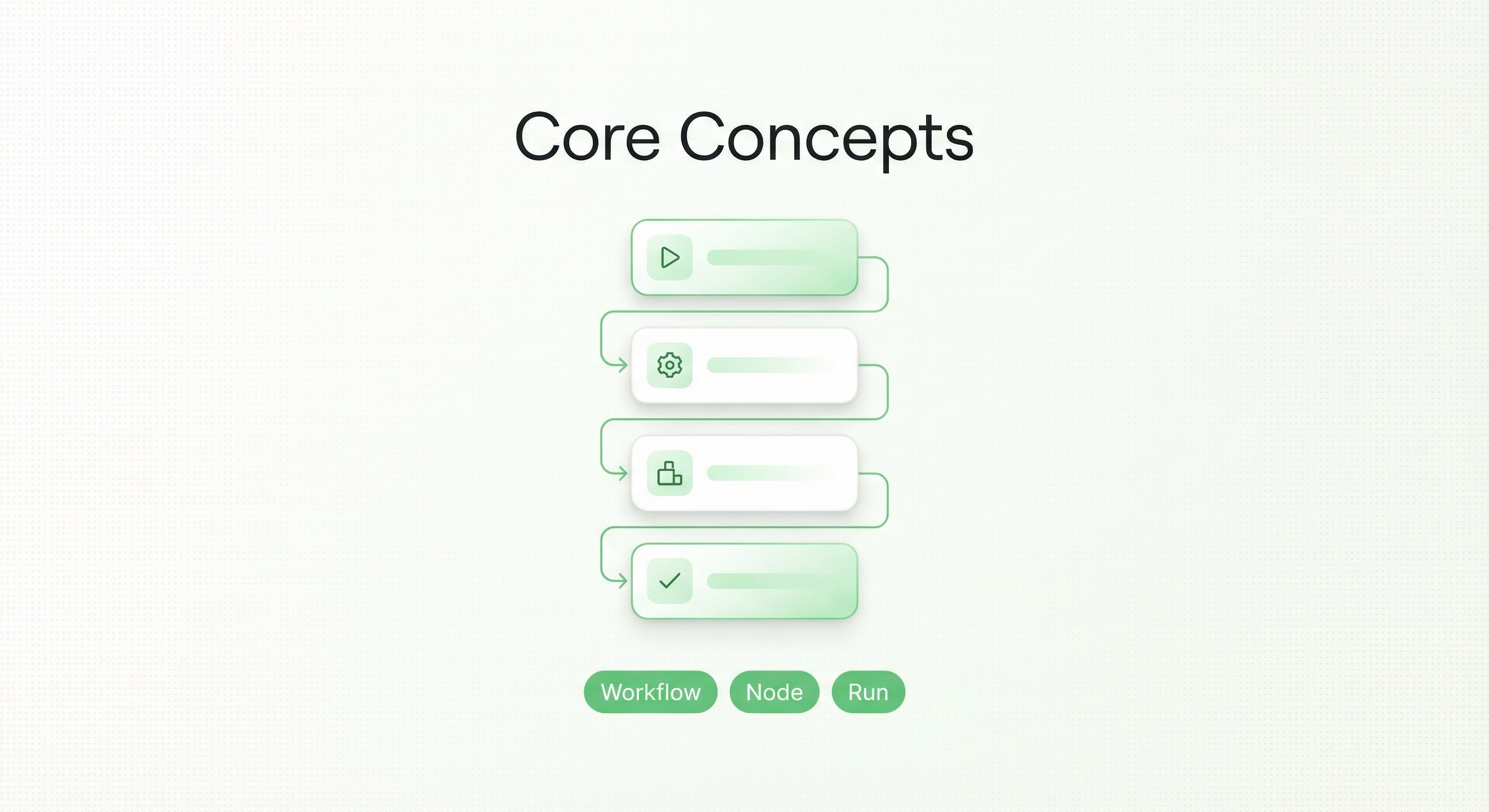
- Workflow – the end-to-end process designed to achieve a specific business goal.
- Node – one small concrete step inside that process.
- Task – one actual run of that process, including its inputs, execution, and results.
1. What is a workflow?
Workflow = the complete sequence of steps that lets BrowserAct follow your instructions and “do the work” on web pages for you.From a business perspective:
- Each workflow represents a clear business goal, such as “scrape Google News”, “collect TikTok hashtag videos”, or “get Google Maps business listings”.
- Every card you see in the Templates gallery (e.g. YouTube Comments Scraper, Google Maps Scraper) is essentially a pre-built workflow.
From manual work to a workflow
Suppose you do this manually every day:Open an e-commerce site → search for “shoes” → go through all pages → copy product name, price, and link → paste into a spreadsheetSeen as a workflow, you only keep the key steps:
- Open the product listing page
- Search by a keyword (for example, “shoes”)
- Go through all listing pages
- Collect each product’s name, price, and link
- Save the collected data into a table
“E-commerce Product Price Scraper” workflowAfter that you can:
- Use the same workflow with different inputs (for example, different keywords or start URLs)
- Click Run, and BrowserAct will follow this route automatically to finish the job for you
- From the system’s point of view, a workflow is a set of nodes connected in order.
-
From the business point of view, a workflow represents the business goal itself that you want to achieve.
2. What is a node?
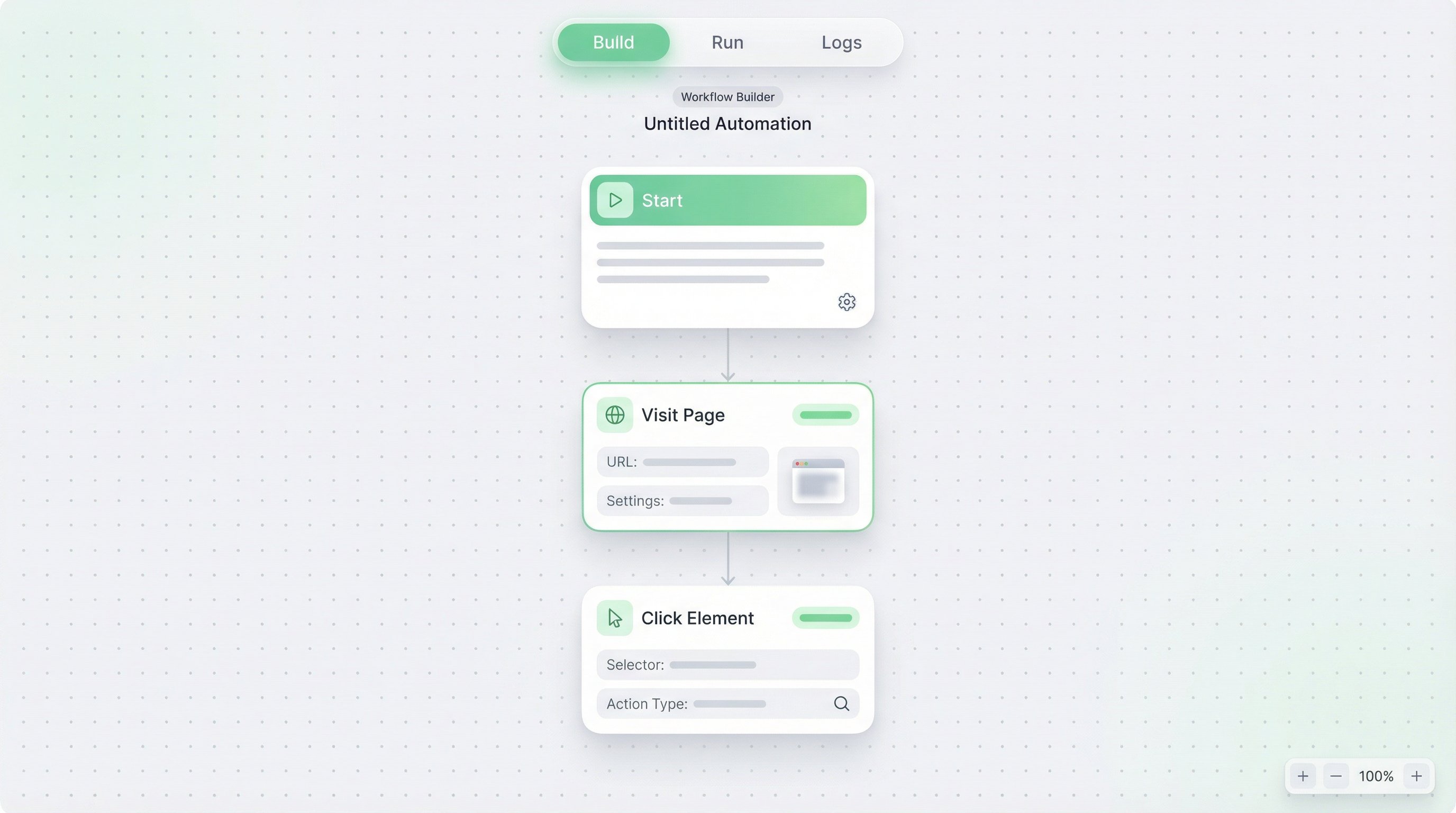
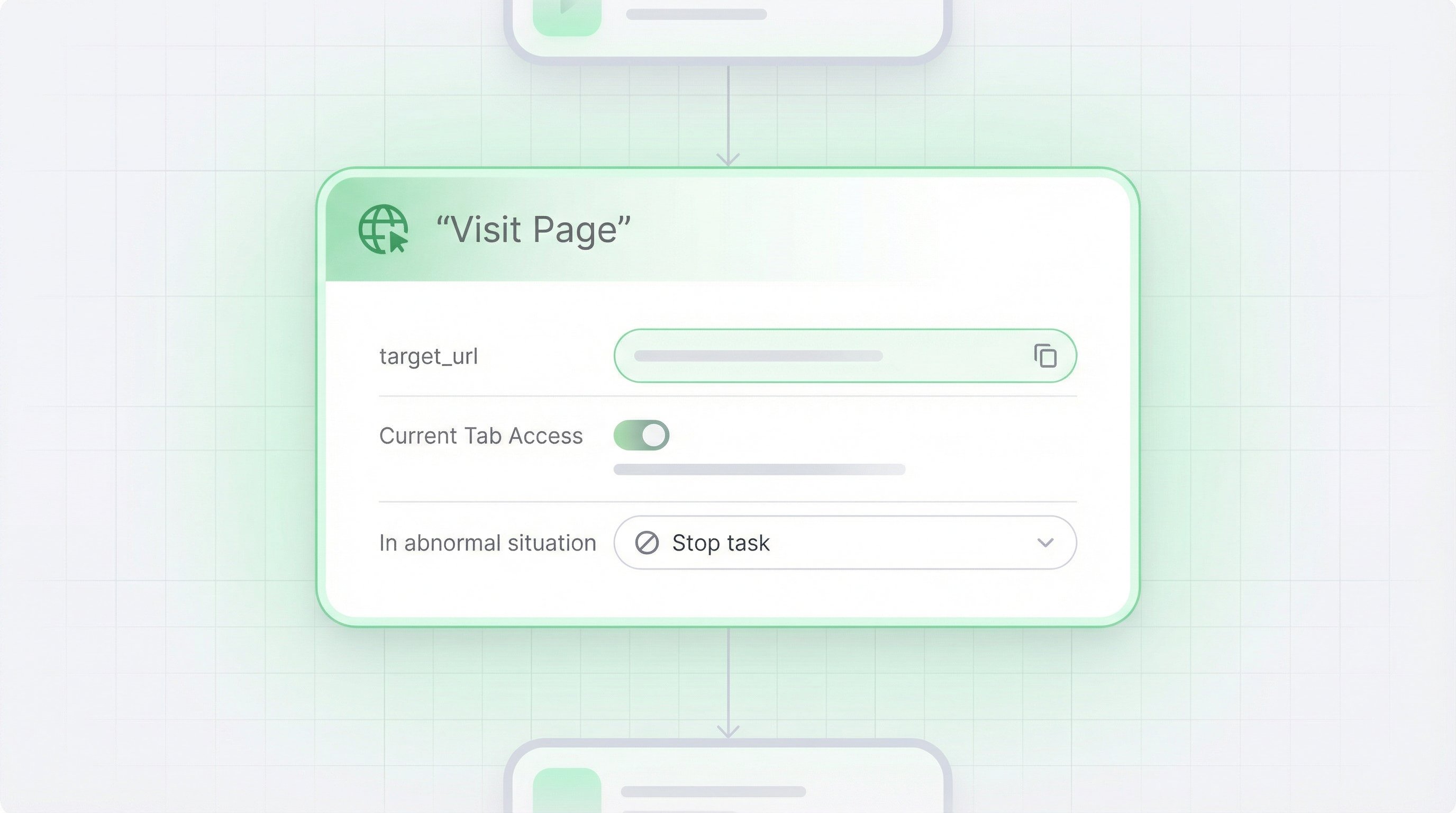
Once you have a complete workflow, you can look one level deeper.Node = the smallest execution unit inside a workflow — a single instruction that tells the browser to do one specific thing.Using the same example:
At the workflow level, you might have a step called:
“Search by keyword”When this actually runs, it must be broken down into smaller instructions:
- Fill the keyword into the search input box
- Click the search button
Manual actions vs. nodes
Here’s how common manual actions map to node types:
On the workflow canvas, each small block you see is one node.
So you can think of it like this:
- The workflow describes which steps are needed to reach a business goal (search → browse pages → extract data → save result).
- Nodes break these steps down into browser-level actions (which input to fill, which button to click, how to loop, which fields to extract, etc.).
A workflow explains how the whole thing goes from A to B.
Nodes define what exactly happens at each step on the web page.
3. What is a task?
Now we have:- A workflow – a complete process design (business goal + a set of nodes)
- Nodes – the individual instructions inside that process
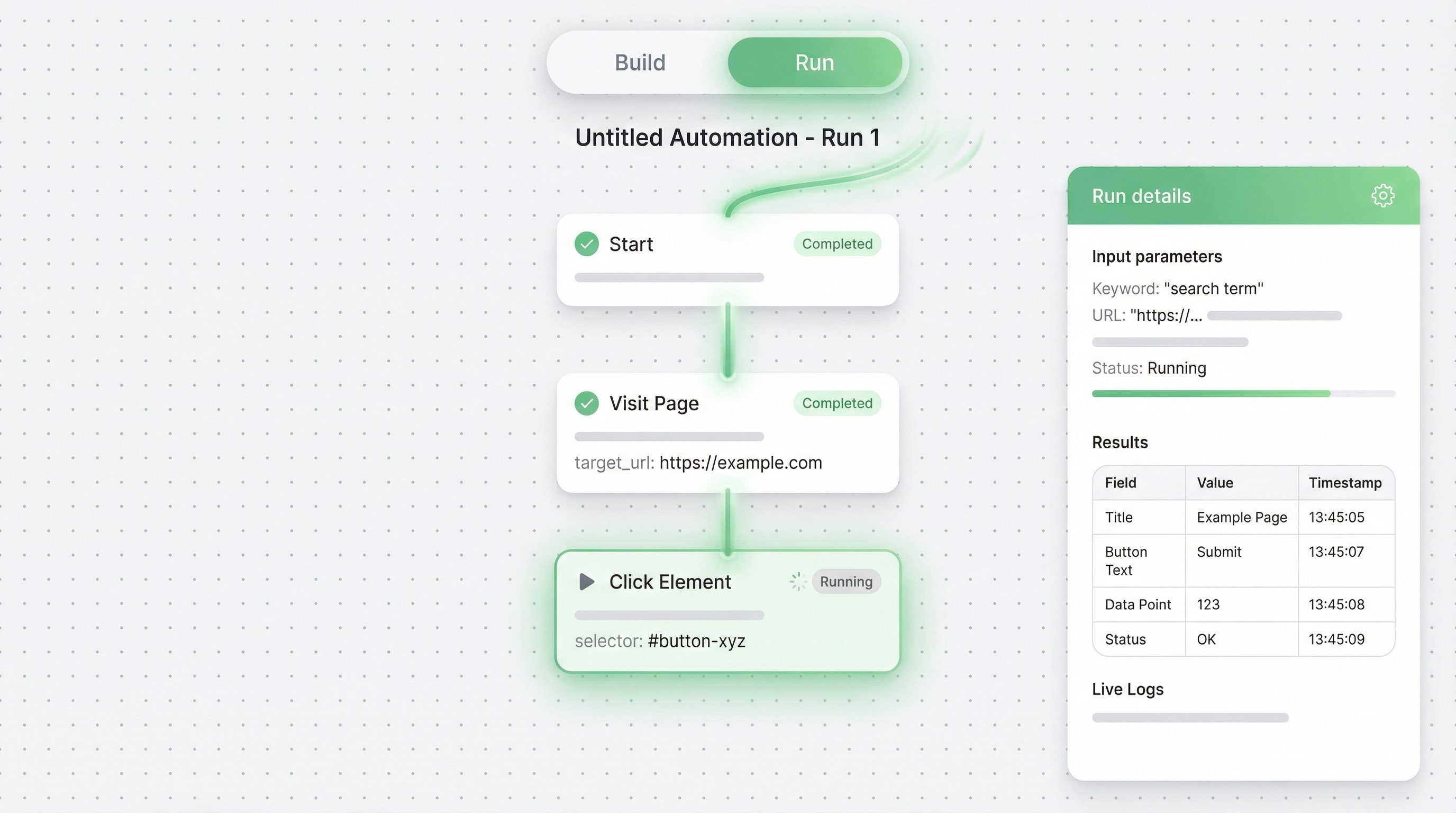
When you click “Run” on a workflow and it executes from start to finish, that single run is called a task.Each task has its own:
- Input
- For example: is the keyword “shoes” or “hats”? What is the start URL?
- Execution details
- Which nodes were run, in what order, and where (if anywhere) it failed
- Result
- The data collected
- Logs and status (success / failure)
- Resource usage
- How many credits this run consumed
- Run once today to scrape this week’s new products → Task #1
- Run again tomorrow on the same workflow to scrape next week’s new products → Task #2
A task is one concrete execution of a workflow at a specific time, with specific inputs, and its full record of what happened and what was produced.
You can now go to the Template Marketplace, pick any workflow, and use this mental model to see:
- Which business goal the workflow represents
- How it is built from nodes
- And what tasks are created each time you run it.